
Install MovieBox Pro on Apple TV

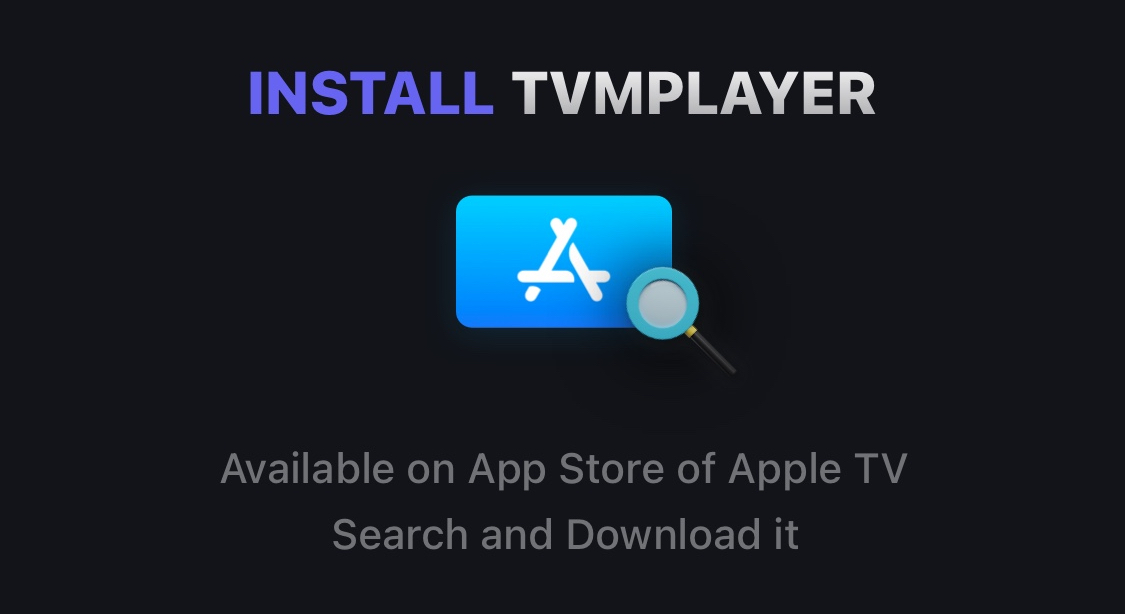
- Install TVMPlayer from Apple TV App Store.
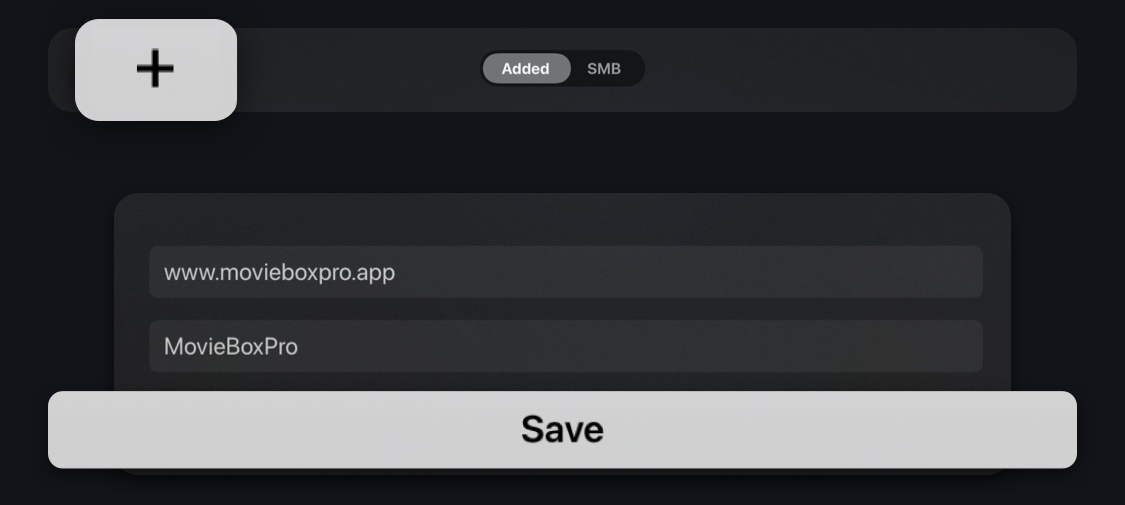
- Add Click the “+” and enter the information as shown below.
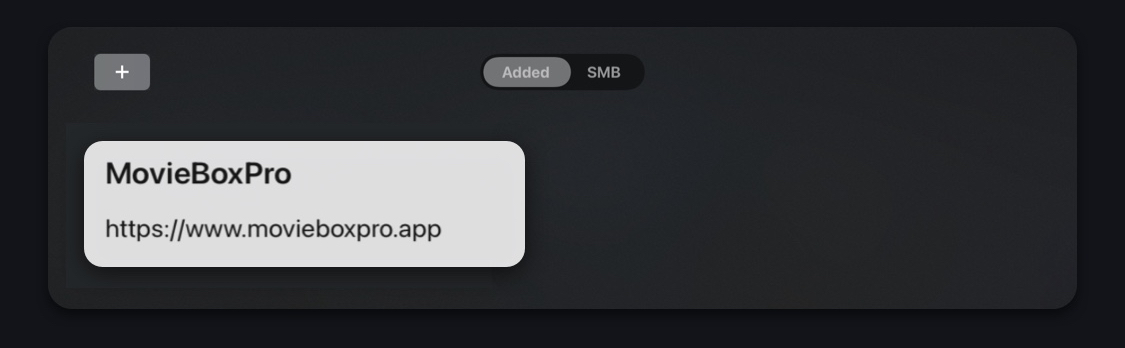
- Click Save.
- Open the newly created button.
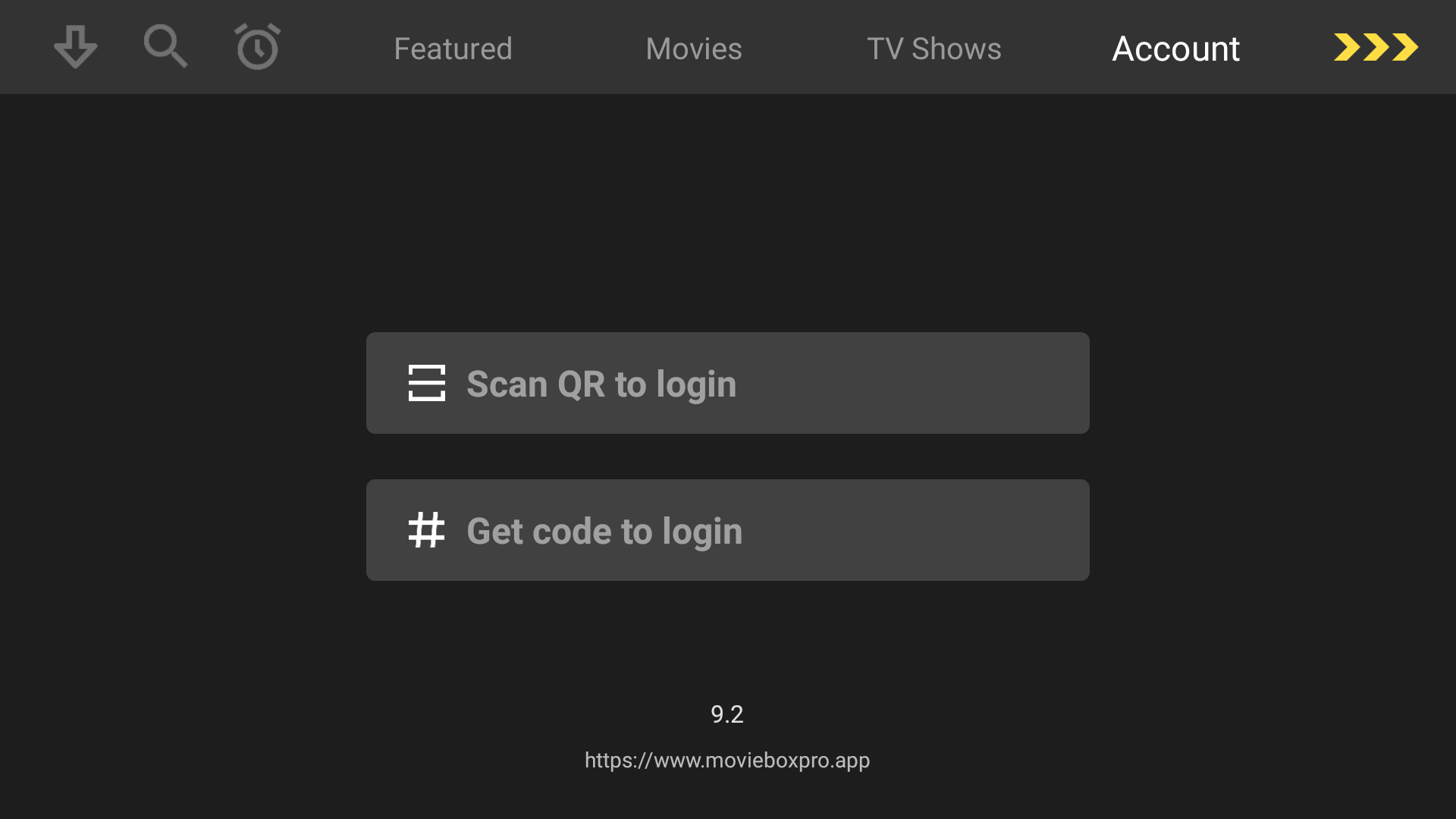
- Select Get code to login.
- On your PC, go to the MovieBox Pro site (www.movieboxpro.app) and sign in.
- Click on the top right icon to bring out the menu. The icon will look like one of the two below or with your Google account photo:


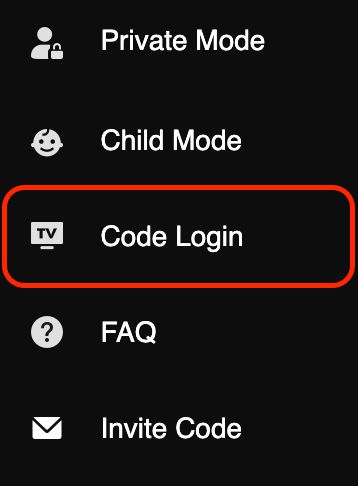
- Click on Code Login.
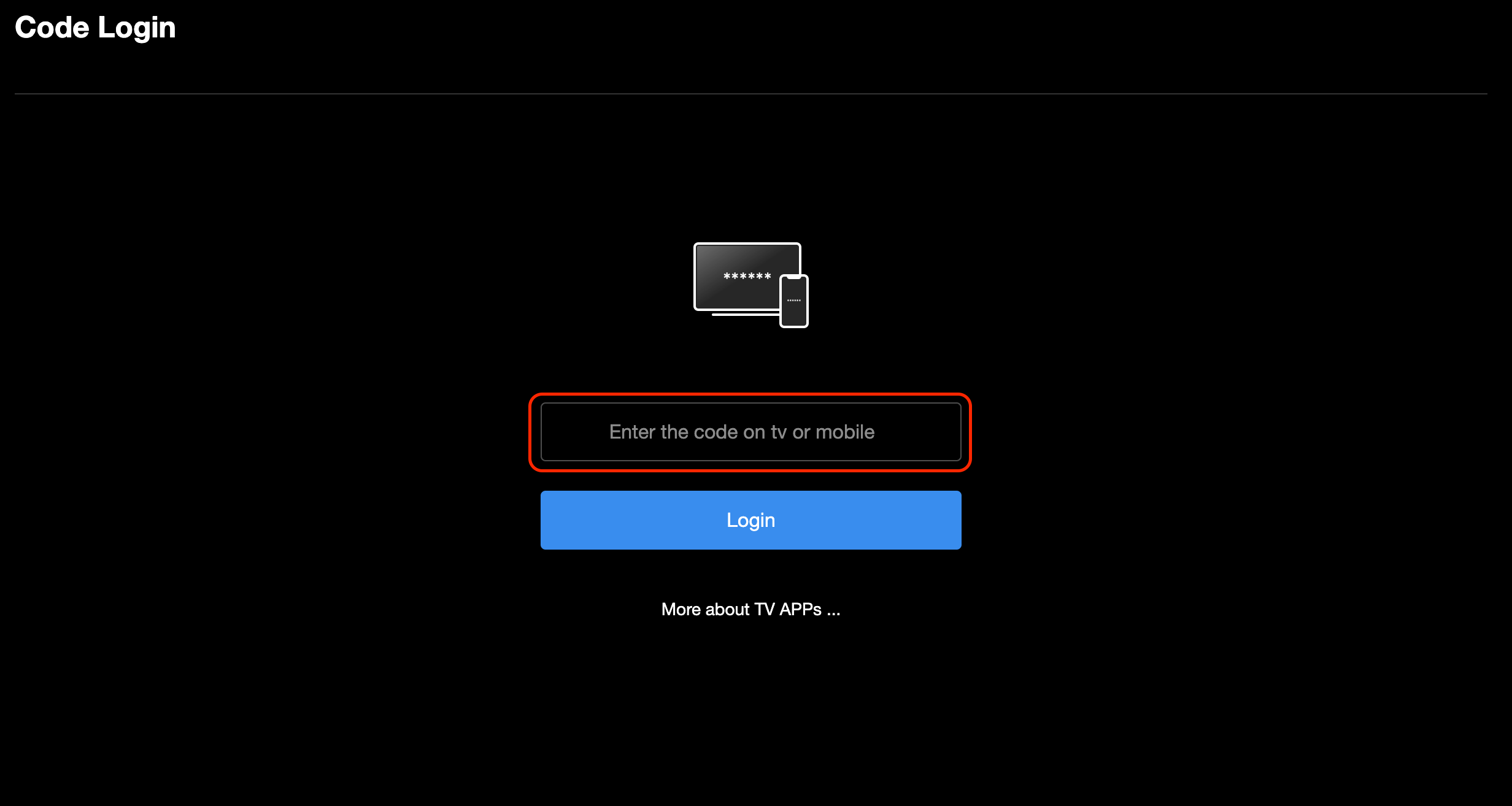
- Enter the code provided by the MovieBox Pro app on your Apple TV in the box. Click Login.
- You should now be logged in on your Apple TV and ready to go. Enjoy!